


Free
$0
Free forever
- Free hosting for sites published from the Figma plugin
- Publish from any Figma plan, including free Starter
- Use your own AI with a free file handoff
- Search-ready HTML: real headings, text, and alt tags
 Figment.so
Publish your Figma frames as a website.
Add links, media, and layouts for desktop and mobile.
Free hosting on a .figment.so address. No card needed.
Comments from the Figma plugin launch and beta.
I've used a lot of Figma-to-site builders, glad I finally found one that works!
love what Nikita is building with @useFigment! It's an easy way to automatically turn figma designs into websites without code
Might be my go to workflow for the websites I build/maintain. An automated converter is a big time speedup.
I have been looking for this. Figment is changing the game!! Let me in on that beta, please.
i love u figment
Bring your own business website to try copy and layout changes.
Ask ChatGPT or Claude to edit your files, then review the result in Figment. Check the separate static copy before you publish. Your original site stays unchanged.
Try the AI editorFigment and HopTire share a founder. This is an example from our portfolio, not an independent customer review.
Open Figment in Figma. Select the frames you want to turn into a website.
Add links, video, and hover effects. Check your desktop and mobile layouts before you publish.
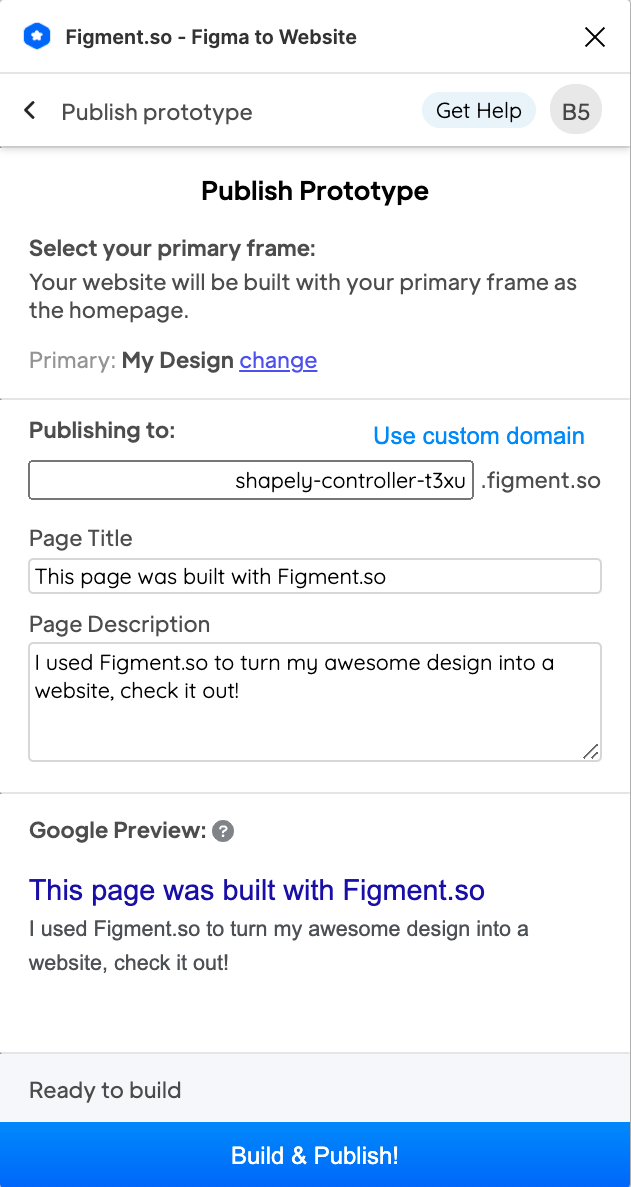
Publish on a free .figment.so address. Paid plans add custom domains and remove the Figment badge.
Start free. Upgrade for custom domains and support.
$0
Free forever
$49/mo
Billed monthly
$199/mo
Billed monthly
Pro and Studio include a 30-day free trial. Review your plan and billing period before checkout. Manage your subscription.
Prepare your frames, check layouts, and fix common problems.
Need help?
Contact support.
Figment is Figma-to-website software: a free Figma plugin that publishes your design as a live website, with hosting on figment.so. You are on the official Figment website.
Yes. The Free plan includes hosting on a .figment.so address, with a small Figment badge. Custom domains and badge removal are paid features.
No. The plugin converts your Figma frames. You can add links, media, and effects through Figment. Test the result before you share it: complex layouts and interactive features may need changes.
Prepare desktop and mobile frames, then assign them in Figment. Check the preview at both sizes. A desktop-only design does not automatically become a good mobile layout.
Yes. Pro and Studio include hosting on your own domain, with SSL included. Free sites use a .figment.so address.
Yes. Open the AI website editor to import a separate static copy of your site. Import, editing with your own AI, and previews are free. Return edited files from your ChatGPT or Claude account. No Figment subscription or AI credits are required. Your AI provider may charge separately. You approve publication, and your original site stays unchanged. Recognized simple contact and newsletter signup-request forms can collect submissions through Figment and notify your verified owner email. Check each form before publishing. Login, checkout, and booking services do not transfer automatically. Newsletter sending and mailing lists do not transfer. See editor limits and pricing.
Open My account, then use the billing portal to manage or cancel your subscription. The plan and billing period are shown before payment. Contact support if you cannot access your account.